
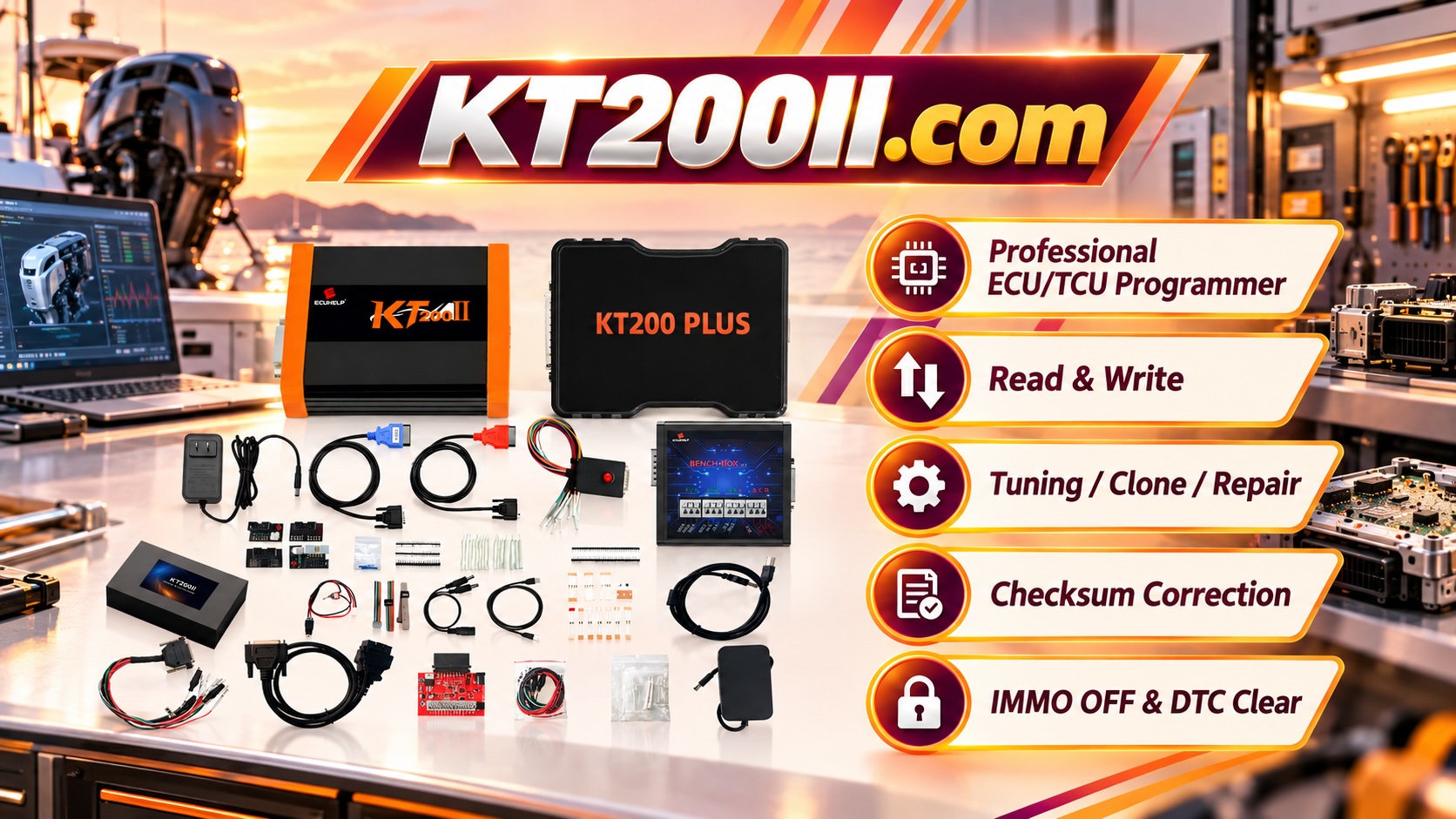
What Is KT200II? A Professional ECU and TCU Programming Tool Explained
Modern vehicles rely on electronic control units (ECUs) and transmission control units (TCUs) to manage engine performance, transmission operation and many other vehicle systems.
For automotive electronics technicians, having a reliable programming tool is essential for ECU reading, writing, backup, cloning and repair operations.
KT200II is a professional ECU and TCU programming solution designed for workshops and technicians who work with modern vehicle control systems.
What Is KT200II?
KT200II is an ECU and TCU programmer used for professional automotive electronic operations on supported vehicle applications.
Depending on the vehicle, ECU type and supported protocol, technicians can use KT200II for operations including:
- ECU reading
- ECU writing
- TCU programming
- ECU backup
- ECU cloning
- ECU recovery operations
The exact available functions depend on the specific ECU family, hardware version, software support and selected programming method.
Why Professional Technicians Use ECU Programmers
Traditional diagnostic scanners are mainly designed for fault code reading, service functions and vehicle communication.
However, advanced ECU repair and replacement work often requires deeper access to control unit data.
A professional ECU programmer allows technicians to perform additional services such as:
- Replacing damaged ECUs
- Transferring ECU data to compatible modules
- Creating original ECU backups
- Repairing communication problems
- Supporting ECU cloning workflows
KT200II ECU Programming Methods
Different ECUs require different connection methods. KT200II supports multiple operation modes according to supported ECU applications.
OBD Mode
OBD mode communicates with supported ECUs through the vehicle diagnostic connector.
Advantages include:
- No need to remove the ECU
- Fast connection process
- Suitable for supported vehicle applications
OBD is usually the first choice when the selected ECU protocol supports vehicle-side programming.
Bench Mode
Bench mode connects directly to the ECU outside the vehicle.
This method provides a controlled workshop environment and is commonly used for ECU backup, cloning and programming operations.
Bench programming is useful when technicians need stable direct communication with the control unit.
Boot Mode
Boot mode provides deeper access to selected ECU processors and memory areas.
It is commonly used for advanced ECU programming, recovery and special repair procedures.
Because Boot operations require accurate wiring and technical knowledge, technicians should always follow the correct connection procedure.
JTAG and BDM Mode
Some ECU families require advanced processor-level communication methods.
JTAG and BDM modes are used for selected ECU platforms where direct hardware-level access is required.
KT200II for ECU and TCU Programming Workflows
Professional ECU work requires more than simply connecting a programmer.
A reliable workflow normally includes:
- Identify the ECU or TCU information
- Confirm supported programming method
- Create original data backup
- Select the correct operation procedure
- Perform reading or writing operation
- Verify communication after completion
This workflow helps technicians reduce programming risks and protect original vehicle data.
Importance of ECU Backup Before Programming
Before performing any ECU writing operation, creating an original backup is an important professional practice.
A complete backup can help technicians:
- Restore original ECU data
- Recover from unexpected problems
- Compare original and modified files
- Support ECU replacement procedures
The required backup method depends on the ECU type and available programming protocol.
How to Check KT200II Vehicle Compatibility
Not every ECU supports every programming method.
Before starting an operation, technicians should check:
- Vehicle brand and model
- ECU manufacturer
- ECU hardware information
- Processor type
- Available connection method
The official KT200II Support List helps technicians confirm supported applications before programming.
Learn KT200II Operation Modes
Understanding the correct operation mode is an important part of professional ECU programming.
Technicians can learn more about OBD, Bench, Boot, JTAG and BDM programming methods through:
KT200II Software Resources
Automotive technology continues to develop, and updated software support is important for modern ECU programming.
The latest KT200II software resources are available through:
Who Needs KT200II?
KT200II is suitable for professional users including:
- Automotive electronics repair workshops
- ECU cloning specialists
- Vehicle tuning technicians
- Diagnostic service providers
- ECU repair professionals
Conclusion
KT200II provides professional technicians with a complete ECU and TCU programming workflow for supported vehicle applications.
With multiple programming methods, ECU backup capability and professional support resources, KT200II helps workshops handle modern automotive electronic repair tasks more efficiently.
Before every operation, technicians should confirm ECU compatibility, select the correct programming method and protect original data to achieve safer and more reliable results.