
Why ECU Programming Software Updates Are Important for Professional Technicians
Modern vehicles continue to evolve with more advanced electronic control systems, software functions and communication technologies.
For automotive electronics technicians, ECU programming software is a critical part of daily repair and programming operations. Keeping software updated helps maintain compatibility with newer vehicle platforms and improves programming reliability.
A professional ECU programmer is not only defined by its hardware. Software support, database expansion and continuous improvement are equally important factors.
What Is ECU Programming Software?
ECU programming software is the application used to communicate with vehicle control units and perform programming-related operations.
Depending on the ECU and supported procedure, programming software may allow technicians to:
- Identify ECU information
- Read ECU data
- Write ECU files
- Create ECU backups
- Perform ECU cloning procedures
- Complete recovery operations
The software works together with ECU programming hardware to establish communication between the technician and the vehicle control module.
Why ECU Software Updates Are Necessary
Vehicle manufacturers regularly introduce new ECU generations, updated processors and improved communication systems.
Without software updates, an ECU programmer may not support newer applications or programming procedures.
Regular updates help technicians:
- Expand vehicle coverage
- Support new ECU versions
- Improve communication stability
- Reduce programming errors
- Access updated technical information
New Vehicle Support and Database Expansion
One of the main reasons technicians need ECU programming software updates is increasing vehicle coverage.
Modern vehicles may use different:
- ECU manufacturers
- Processors
- Memory structures
- Communication protocols
- Programming procedures
Updated software allows programming tools to add support for more vehicle applications and ECU families.
Improved ECU Communication Stability
Stable communication is essential during ECU reading and writing operations.
Software updates may improve:
- Communication protocols
- Connection procedures
- ECU identification
- Programming workflow
Improved communication reduces unnecessary failures caused by outdated software procedures.
Support for Different Programming Methods
Different ECUs require different access methods depending on their design.
Professional ECU programming software should support various operation modes when available:
- OBD programming
- Bench programming
- Boot programming
- BDM programming
- JTAG programming
The correct method depends on the ECU type, processor, vehicle application and supported procedure.
ECU Software Updates and Programming Safety
Programming operations involve important vehicle data. Using outdated software may increase the risk of incorrect procedures.
Before ECU programming, technicians should always:
- Confirm ECU information
- Check software version
- Verify supported procedure
- Create original ECU backup
- Use stable power supply
A professional workflow combines updated software with correct technical procedures.
Common Problems Caused by Outdated Software
Unsupported ECU Communication
Older software versions may not recognize newer ECU systems or communication protocols.
Incorrect Programming Procedure
Vehicle manufacturers may update ECU structures, requiring updated programming instructions.
Limited Vehicle Coverage
Without updates, technicians may lose access to newly added vehicle applications.
Reduced Workshop Efficiency
Searching for alternative solutions for unsupported vehicles can increase repair time.
Professional ECU Programming Workflow
A reliable workflow should include:
- Identify vehicle and ECU information
- Confirm latest software version
- Select correct programming method
- Create original backup
- Perform ECU operation
- Verify communication after completion
KT200II Software Support for Professional ECU Work
For technicians performing ECU and TCU programming operations, reliable software support is an important part of daily workshop use.
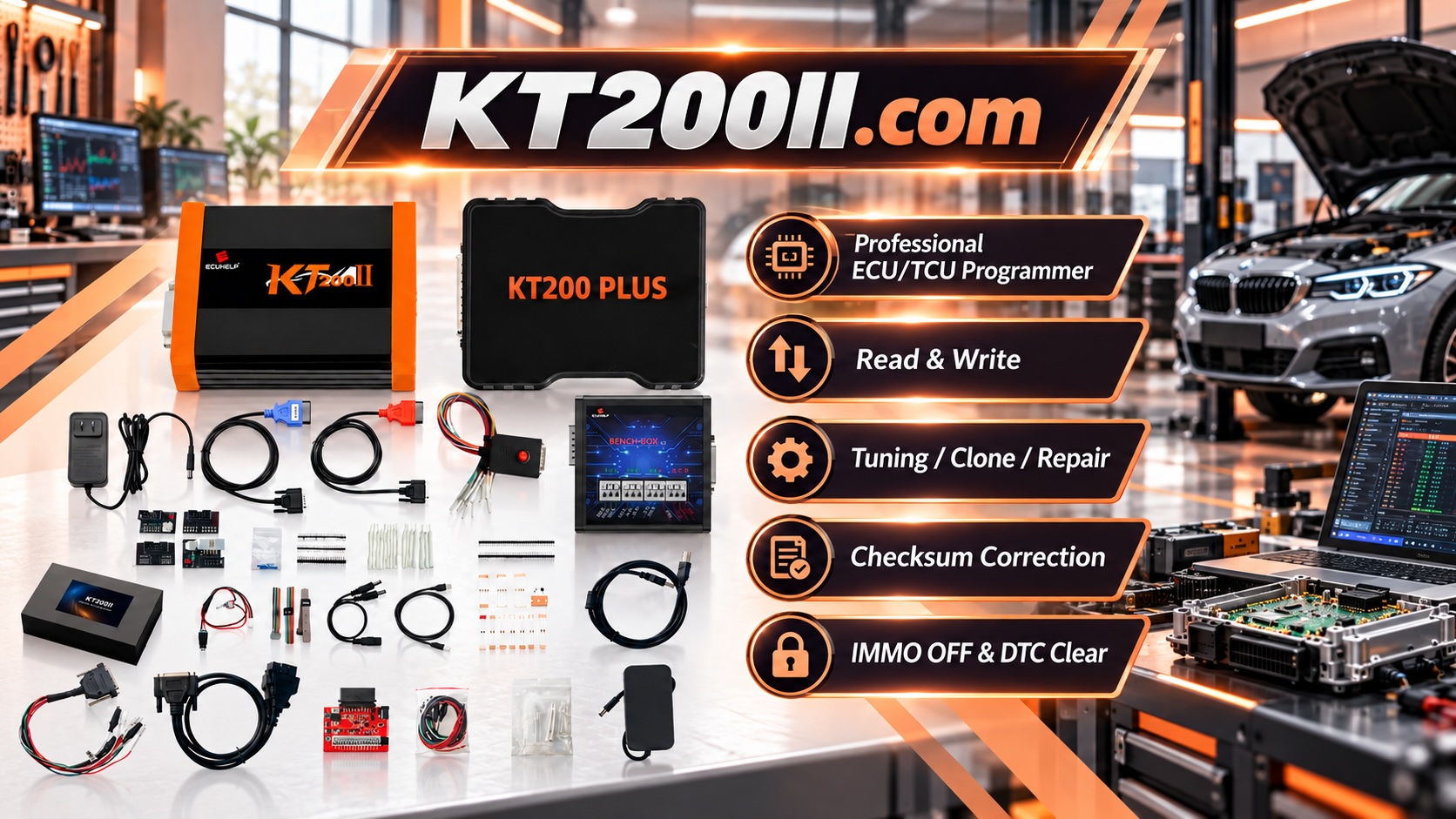
The KT200II ECU Programmer provides professional ECU programming functions on supported applications, including ECU reading, writing, backup and cloning operations.
KT200II supports multiple operation methods according to supported ECU procedures, including:
- OBD Mode
- Bench Mode
- Boot Mode
- JTAG Mode
- BDM Mode
Technicians can learn more about different connection methods through:
Check ECU Compatibility Before Programming
Before starting any programming operation, technicians should verify vehicle and ECU compatibility.
The official KT200II Support List provides information about supported ECU applications and programming procedures.
Download the Latest KT200II Software
Keeping programming software updated helps technicians maintain access to the latest supported applications.
The latest resources are available through:
Conclusion
ECU programming software updates are an essential part of professional automotive electronics work.
As vehicle technology continues to develop, updated software helps technicians maintain compatibility, improve communication stability and perform ECU operations more efficiently.
A professional ECU programming solution requires both reliable hardware and continuous software support to meet the needs of modern automotive repair.