
ECU Flash vs EEPROM: Memory Types, Data Backup and Programming Considerations
Modern automotive Electronic Control Units (ECUs) rely on different types of electronic memory to store software, calibration data, configuration information and other persistent data. Understanding these memory types is essential for technicians who perform ECU reading, writing, cloning, repair and replacement programming.
Two terms frequently encountered in automotive electronics are Flash memory and EEPROM. Although both can retain information without continuous power, they serve different purposes and have different technical characteristics.
However, not every ECU uses the same memory architecture. Some controllers contain separate memory chips, while others integrate multiple memory types into a single microcontroller. The data stored in each region also varies by manufacturer and ECU design.
This guide explains the differences between ECU Flash and EEPROM, describes the role of microcontroller-integrated memory, and outlines practical considerations for identifying, backing up and verifying supported memory data before programming.
What Is ECU Flash Memory?
Flash memory is a type of non-volatile memory that retains stored information when electrical power is removed. In automotive control units, it is commonly used to store executable software and may also contain calibration data or other application-specific information.
Depending on the ECU architecture, Flash memory may be integrated into the main microcontroller or implemented in a separate memory device.
Typical uses of Flash memory in automotive electronics include:
- Storing executable ECU firmware.
- Holding application software and control routines.
- Storing calibration-related data in supported architectures.
- Supporting manufacturer-approved software updates.
- Providing the software foundation for engine, transmission or other control functions.
The exact memory layout varies between controllers. It is therefore incorrect to assume that every ECU stores all its software and calibration information in one continuous Flash region.
Important Characteristics of Flash Memory
Flash memory can generally be erased and programmed electronically, but the supported operations depend on the device architecture, programming interface and security configuration.
Some Flash devices use erase blocks or sectors, meaning that data cannot always be modified in the same way as ordinary computer files. Programming software must follow the target device's requirements.
Before performing a Flash operation, technicians should confirm the exact ECU, supported programming method, memory region and intended operation.
What Is EEPROM?
EEPROM stands for Electrically Erasable Programmable Read-Only Memory. It is a type of non-volatile memory that allows stored data to be electrically updated according to the device's supported operations.
In automotive electronics, EEPROM or equivalent persistent storage may hold configuration information and other data that must remain available after the vehicle is switched off.
Depending on the ECU design, such data may include:
- Selected configuration parameters.
- Persistent operating information.
- Module-specific settings.
- Some adaptation or identification data.
- Other manufacturer-defined information.
These are examples rather than a universal memory map. The actual content depends on the ECU manufacturer, hardware architecture and software implementation.
Important Characteristics of EEPROM
EEPROM is designed to support electrical data updates without requiring the same erase procedure used by many Flash devices. However, write granularity, endurance and access requirements depend on the specific component.
Some ECUs use a separate EEPROM chip. Others implement equivalent functionality through integrated non-volatile memory or software-managed storage.
Do not assume that every ECU contains a standalone EEPROM device or that a file labelled EEPROM contains the same categories of information across different ECU families.
ECU Flash vs EEPROM: Main Differences
| Feature | Flash Memory | EEPROM |
|---|---|---|
| General purpose | Often stores firmware and application software | Often stores persistent configuration or other data |
| Implementation | May be integrated or implemented as a separate device | May be integrated, emulated or implemented as a separate device |
| Data modification | May require erase operations at defined block or sector boundaries | Supports electrical updates according to device-specific rules |
| Memory organization | Depends on device architecture and software layout | Depends on device architecture and data layout |
| Typical programming considerations | Firmware compatibility, erase requirements and memory coverage | Data preservation, device compatibility and supported write operations |
| Automotive application | Commonly used for executable software and related data | May hold persistent configuration and other application-specific data |
The key difference is that Flash and EEPROM describe memory technologies, not universal categories of automotive information.
The exact function of each memory region must be determined from the target ECU architecture and supported programming documentation.
What Is Microcontroller-Integrated Memory?
Many modern ECUs use a microcontroller that integrates a processor with several memory regions and peripheral interfaces.
Depending on the device, the integrated memory may include Flash, RAM, EEPROM or EEPROM-emulation functionality, and other storage resources.
These memory areas have different characteristics.
Flash
Integrated Flash commonly stores the program executed by the microcontroller and may contain additional application data.
RAM
Random Access Memory (RAM) is generally used for temporary data while the ECU is operating. Ordinary RAM does not retain its contents after power is removed, although some devices provide special retention or backup features.
EEPROM or Emulated EEPROM
Some microcontrollers include dedicated non-volatile data storage, while others emulate EEPROM functionality using another type of non-volatile memory.
The distinction matters because the storage mechanism can affect how data is accessed, updated and backed up.
Why Integrated Memory Matters for ECU Programming
When Flash and persistent data storage are integrated into one microcontroller, a technician may not be able to identify each memory region simply by looking at the PCB.
The correct access method may depend on the processor family, supported programming interface, security configuration and software implementation.
Before attempting a memory operation, confirm the exact microcontroller and supported functions instead of assuming that every data area can be accessed independently.
How to Identify Flash and EEPROM in an ECU
Accurate component identification is the first step when a supported repair requires direct chip-level programming.
Begin by recording the ECU manufacturer, complete part number, hardware revision and available software identification. If the PCB is accessible through an authorized repair procedure, examine the markings on the relevant semiconductor devices.
Useful identification information includes:
- Complete semiconductor part number.
- Chip manufacturer.
- Package type and pin configuration.
- Memory capacity where applicable.
- Processor or memory family.
- Supported programming interface.
- Electrical requirements specified by the device documentation.
A chip's physical appearance alone is not sufficient to establish whether it is Flash, EEPROM or another type of semiconductor.
Different devices may use similar packages, while some microcontrollers integrate several memory technologies within one component.
Use reliable component documentation and the programming tool's supported device information to confirm the target before connecting equipment.
Understanding ECU Read Files
During supported ECU programming operations, software may save data read from a control unit into one or more files. These files can represent different memory regions, depending on the device and selected operation.
Common file descriptions include Flash, EEPROM, Micro or Full Read. However, these names are not universal file-format standards, and their exact meanings depend on the programming software and ECU family.
Before using a file, establish:
- Which ECU and hardware version it belongs to.
- Which memory region was read.
- Which programming method was used.
- Whether the file represents an original read or another source.
- Whether the read operation completed successfully.
- Whether additional memory regions are required for the intended repair.
A file name alone does not prove the contents of a file. Maintain clear records of the source, operation, memory region and ECU identification.
Why a Flash Backup Is Not Always a Complete ECU Backup
A Flash read may preserve important software data, but it does not automatically include every memory region or configuration item required for a complete restoration.
Depending on the ECU architecture, other information may reside in a separate memory device, an integrated storage region or another system component.
Before relying on a backup for repair or cloning, confirm:
- Which memory regions were actually read.
- Whether the programming operation reported success.
- Whether the data can be accessed and stored correctly.
- Whether the backup covers the regions required by the repair procedure.
- Whether additional configuration or manufacturer-supported commissioning is necessary.
Do not describe a single Flash file as a complete ECU image unless the supported procedure establishes that it covers the required data.
How to Back Up ECU Memory Before Programming
When the target ECU and supported procedure permit reading, preserve the original data before making modifications.
A structured backup process improves traceability and reduces the risk of overwriting important reference files.
- Record the vehicle and ECU identification.
- Confirm the supported programming method.
- Identify the intended memory regions.
- Read the supported data using the documented procedure.
- Save each output with a descriptive file name.
- Record the file size and source memory region.
- Verify the read result using available software functions.
- Keep an unchanged copy of the original files.
- Store an additional backup in a separate, secure location.
For example, a workshop could use a file naming convention such as:
JOB1042_ECU1234_ORIGINAL_FLASH_READ.bin
JOB1042_ECU1234_ORIGINAL_EEPROM_READ.bin
These are illustrative file names only. Use the actual memory labels and file extensions produced by the supported programming software.
If a particular memory region cannot be read, record that limitation clearly. Do not treat an incomplete read as a verified full backup.
How to Verify ECU Memory Files Before Writing
Before writing data to an ECU, technicians should confirm that the file is suitable for the target hardware and intended operation.
Useful checks include:
- Source ECU identification.
- Target ECU hardware and software references.
- Memory region and expected file size.
- File origin and intended purpose.
- File format and address layout where applicable.
- Available checksum or integrity information.
- Compatibility with the selected programming operation.
Matching file sizes do not prove that two files contain identical or compatible data. Similarly, a successful file integrity check does not automatically establish that a file belongs to the target ECU.
Keep original reads separate from modified working copies. Never overwrite the only verified original backup with a file prepared for writing.
For a more detailed workflow, read the ECU Programming File Integrity Verification Checklist Before Writing.
Flash and EEPROM Considerations During ECU Cloning
ECU cloning aims to transfer the required supported data from an original control unit to a compatible donor unit. The necessary data depends on the ECU architecture and the specific cloning procedure.
Some supported operations may involve more than one memory region. Others use a dedicated cloning function that manages the relevant steps for the target ECU.
Before attempting a cloning operation, confirm:
- Whether the exact ECU is supported for cloning.
- Whether the donor hardware is compatible.
- Which source memory regions are required.
- Which destination memory regions are supported.
- Whether the original data is complete and usable.
- Whether additional coding or initialization is required.
Do not assume that copying Flash alone will always produce a working replacement ECU. Likewise, copying an EEPROM file without confirming the correct application and memory layout may introduce incompatibility.
For more information, see the Replacement ECU Verification Checklist Before Programming.
Common Mistakes When Working With ECU Memory
Assuming Every ECU Uses Separate Flash and EEPROM Chips
Some controllers integrate memory into the main microcontroller, and some implement persistent data storage through emulation. Confirm the actual architecture.
Confusing File Labels With Verified Memory Contents
A file named EEPROM or Flash should be supported by the programming operation's records. File names alone are not proof of memory coverage.
Overwriting the Original Read File
Keep an unchanged original backup and use separate working copies for authorized modifications.
Assuming a Correct File Size Guarantees Compatibility
File size is one useful check, but it does not establish the correct software version, memory layout or vehicle application.
Selecting a Programming Interface by Guesswork
Different memory devices and microcontrollers require different programming methods. Verify the chip identity, pinout and supported operation before connecting equipment.
Writing Data Without Confirming the Target ECU
Always compare the ECU identification, target hardware and intended operation before starting a Write procedure.
Using KT200II for Supported ECU Memory Operations
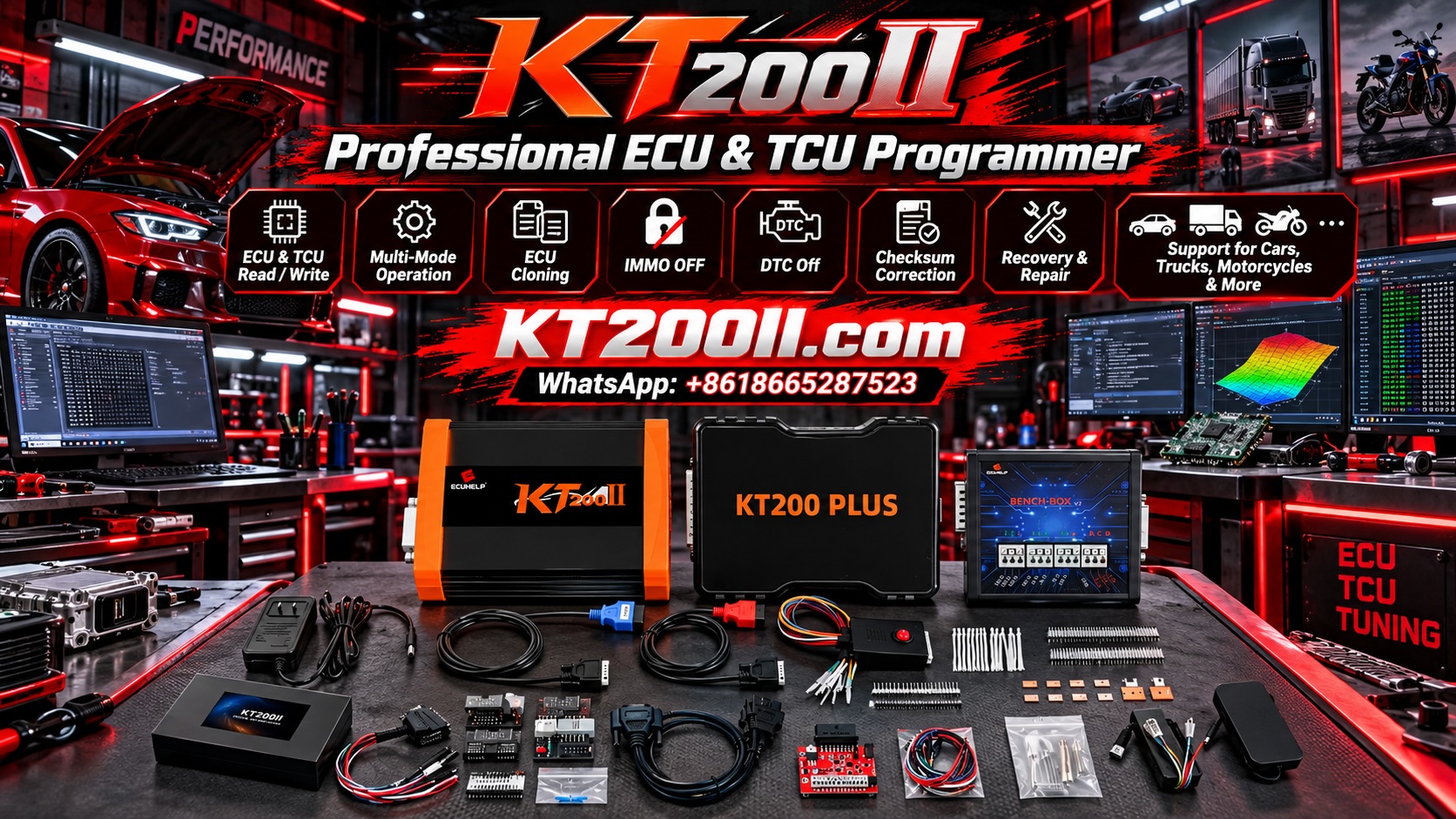
KT200II is an ECU and TCU programming solution for supported control units and operations. Depending on the exact ECU and software support, available functions may include reading, writing and selected cloning operations.
Not every ECU exposes the same memory regions, and general Read or Write support does not guarantee that every Flash, EEPROM or microcontroller operation is available.
Before starting a memory operation, identify the exact ECU, confirm the supported programming method and preserve original data wherever the supported procedure permits it.
Use these official technical resources when preparing a programming job:
- KT200II ECU Programmer Product Information.
- KT200II Supported ECU List.
- KT200II Operation Modes Guide.
- KT200II Software Resources.
- KT200II Technical Blog.
Confirm the exact ECU and intended memory operation in the current support information before connecting the programming equipment.
ECU Memory Programming Checklist
- Vehicle and ECU identification recorded.
- Hardware revision checked where available.
- Target memory device identified.
- Flash, EEPROM or integrated storage architecture confirmed where possible.
- Supported programming interface verified.
- Original memory data backed up when supported.
- Each file labelled by source and memory region.
- File size and read results checked.
- Target file compatibility verified.
- Original backup kept unchanged.
- Required Read, Write or Clone operation confirmed as supported.
- Post-programming identification and diagnostic checks completed.
Frequently Asked Questions
What is the main difference between ECU Flash and EEPROM?
Flash is commonly used for firmware and application software, while EEPROM or equivalent non-volatile storage may hold persistent configuration and other data. The exact roles depend on the ECU architecture.
Does every ECU contain a separate EEPROM chip?
No. Some ECUs use standalone EEPROM devices, while others use integrated non-volatile memory or EEPROM-emulation mechanisms.
Can I restore an ECU using only a Flash file?
Not necessarily. The required data depends on the ECU and repair procedure. Additional memory regions, configuration or manufacturer-supported initialization may be needed.
Is an EEPROM file always related to immobilizer data?
No. The contents of EEPROM or equivalent storage vary by ECU design. Do not assume that a particular file contains a specific category of data without reliable documentation.
Can Flash and EEPROM be read using the same programming method?
Sometimes, but not always. The method depends on the device architecture, programming interface and supported functions. Confirm the target and operation before connecting the equipment.
Does a successful Read guarantee that the backup is complete?
No. A successful Read confirms the completion of that particular operation. Verify which memory region was read and whether the intended repair requires additional data.
Should I back up ECU memory before every Write operation?
When the supported procedure permits it, preserve the original data before modifying the ECU. Keep the backup unchanged and document any limitations.
Conclusion
Flash and EEPROM are important memory technologies in automotive electronics, but their exact roles vary between ECU architectures. Some controllers use separate memory chips, while others integrate multiple storage functions into a microcontroller.
For professional ECU programming, technicians should identify the target device, understand which memory region is being accessed, preserve original data when supported and verify file compatibility before writing.
A structured memory workflow helps reduce file-selection errors, improves backup traceability and supports more reliable ECU repair and replacement operations.
Professional use notice: ECU memory programming should be performed by trained technicians using the correct device documentation, supported programming equipment and manufacturer-specific procedures. Never write unverified data to a safety-critical control unit.