
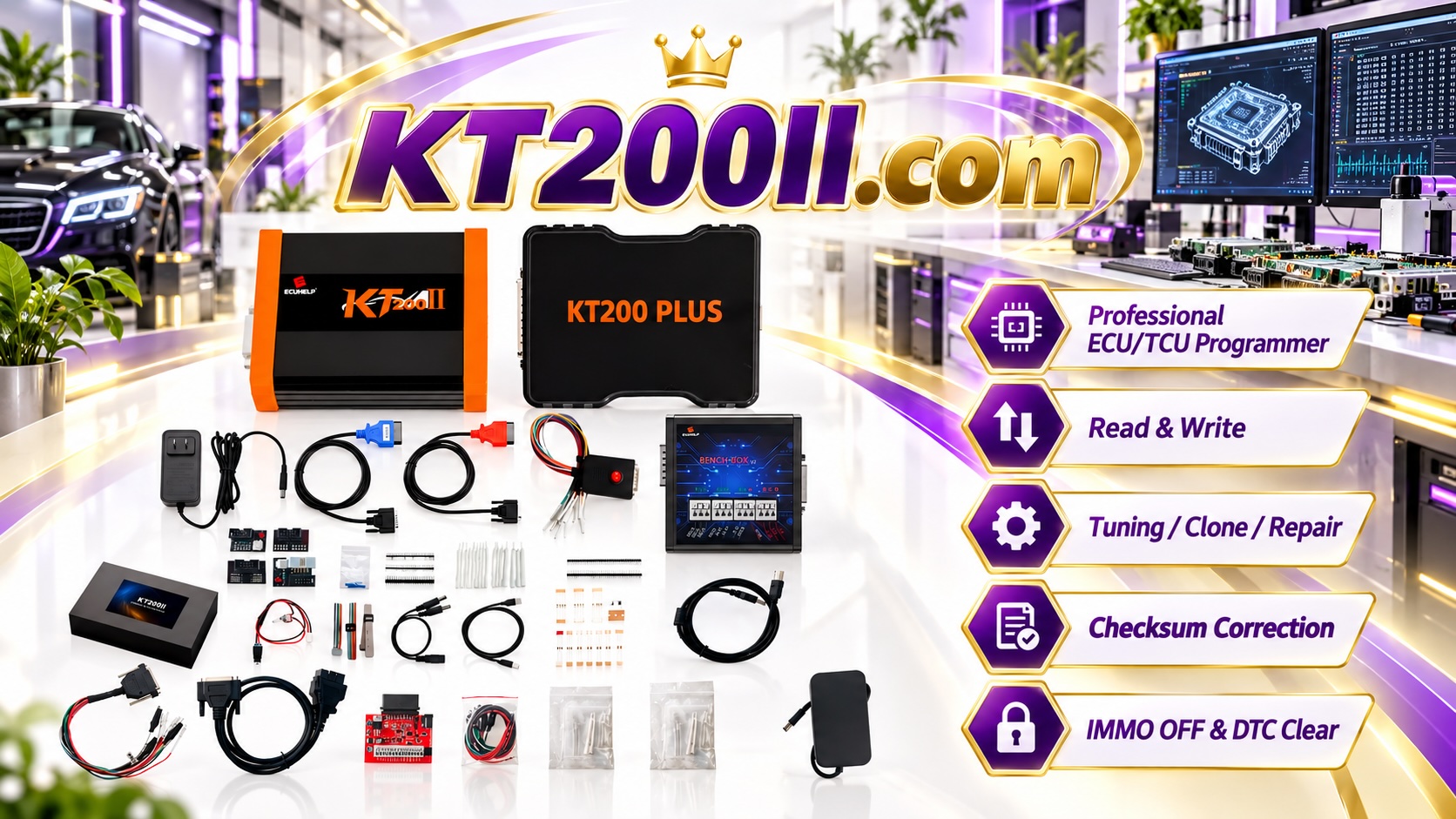
KT200II Operation Modes Explained: OBD, Bench, Boot, BDM and JTAG Programming Guide
Modern vehicle control units use different communication systems and security structures. For professional ECU technicians, understanding the correct programming method is essential for safe reading, writing, cloning and recovery operations.
The KT200II ECU programmer supports multiple operation modes designed for different ECU architectures and programming requirements, including OBD, Bench, Boot, BDM and JTAG modes.
Why Different ECU Programming Modes Are Needed
Not all ECUs can be accessed in the same way. Some control units allow programming through the vehicle diagnostic connector, while others require direct connection on the workbench or advanced processor-level access.
Choosing the correct operation mode helps technicians:
- Establish stable ECU communication
- Create complete ECU backups
- Perform ECU cloning procedures
- Recover damaged control units
- Reduce programming risks
KT200II OBD Mode
OBD mode is one of the most convenient ECU programming methods because communication is performed through the vehicle diagnostic socket.
When supported, technicians can perform ECU reading and writing without removing the control unit from the vehicle.
Advantages of OBD programming include:
- Fast connection process
- No need to remove ECU
- Suitable for supported vehicle applications
- Efficient workshop workflow
However, technicians should always verify ECU support before performing an OBD operation because different manufacturers use different security systems and communication protocols.
KT200II Bench Mode
Bench mode connects directly to the ECU outside the vehicle.
This method is commonly used for ECU backup, cloning and repair because it provides direct communication with the control unit.
Bench programming is useful for:
- ECU replacement preparation
- Complete data backup
- ECU cloning operations
- Repair of communication problems
For many professional workshops, Bench mode is an important working method because it provides a stable environment before installing the ECU back into the vehicle.
KT200II Boot Mode
Boot mode provides deeper access to certain ECU families by communicating directly with the ECU processor.
This method is often required when normal diagnostic communication is unavailable or when the ECU requires advanced access.
Boot mode applications may include:
- Locked ECU access
- Advanced ECU recovery
- Special programming procedures
- Processor-level communication
Because Boot mode involves direct ECU access, technicians should carefully follow wiring diagrams and connection instructions.
KT200II BDM Mode
BDM (Background Debug Mode) is an advanced communication method used with specific ECU processors.
BDM access allows technicians to communicate directly with internal ECU memory areas for supported applications.
It is commonly used for professional ECU repair operations where standard communication methods are not available.
KT200II JTAG Mode
JTAG is a processor-level communication method used for advanced ECU programming and repair.
JTAG access can provide deeper control over certain electronic systems and is typically used by experienced automotive electronics specialists.
Typical JTAG applications include:
- Advanced ECU recovery
- Hardware-level access
- Special ECU repair procedures
- Processor communication
Choosing the Correct KT200II Programming Mode
| Mode | Main Connection Method | Typical Application |
|---|---|---|
| OBD | Vehicle diagnostic socket | Supported ECU reading and writing |
| Bench | Direct ECU connection | Backup, cloning and repair |
| Boot | ECU processor access | Advanced programming and recovery |
| BDM | Memory interface access | Specific ECU repair procedures |
| JTAG | Processor-level connection | Professional ECU electronics work |
Importance of ECU Backup Before Programming
Before any ECU writing operation, professional technicians should always save the original ECU data.
A complete backup helps protect against unexpected programming interruptions and provides a recovery solution when needed.
Recommended workflow:
- Identify ECU hardware and software information
- Select the correct KT200II operation mode
- Read and save original ECU data
- Verify backup files
- Perform programming operation
- Confirm ECU communication after completion
Check KT200II ECU Compatibility Before Programming
Different vehicles and ECU manufacturers require different programming procedures.
Before starting an operation, technicians should check ECU compatibility and available programming methods.
The official KT200II Support List provides information about supported vehicles and ECU applications.
Learn More About KT200II Programming Methods
Detailed connection information and programming methods are available through the official:
Technicians can also download the latest software resources from:
Conclusion
Understanding ECU programming modes is essential for professional automotive electronics work.
OBD, Bench, Boot, BDM and JTAG each provide different access methods for different ECU designs.
With the correct programming method, complete backup procedures and reliable equipment, technicians can perform ECU reading, writing, cloning and repair operations more efficiently.