
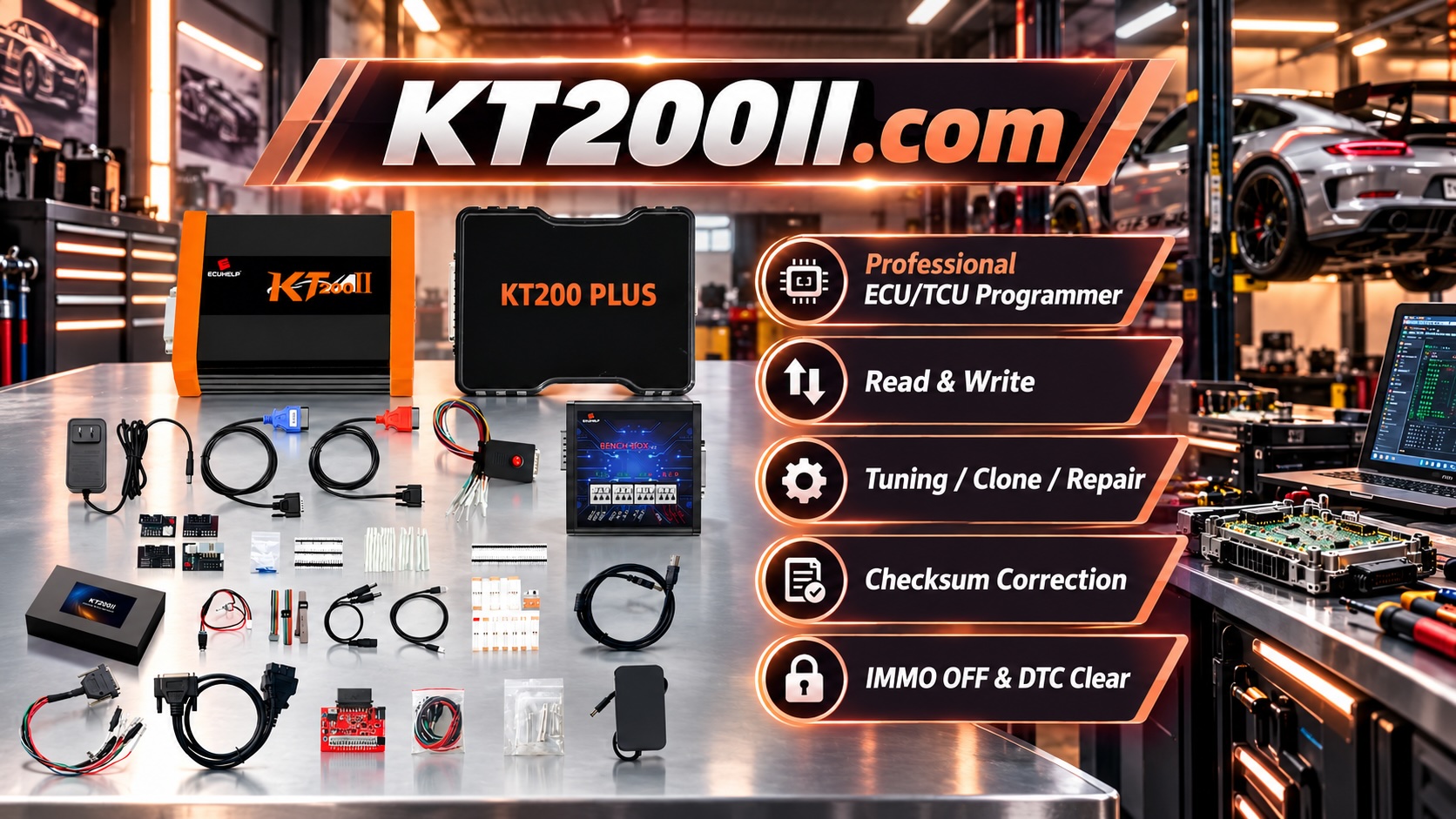
How to Build a Professional ECU Programming Workstation for Automotive Technicians
Modern automotive repair increasingly depends on electronic control units (ECUs), transmission control units (TCUs) and advanced vehicle communication systems.
For technicians performing ECU reading, writing, cloning and repair operations, a professional ECU programming workstation is essential for improving efficiency, safety and programming reliability.
A good workstation is not simply a desk with a programming tool. It is a complete working environment that combines stable power, correct connections, organized accessories and proper software management.
Why an ECU Programming Workstation Is Important
ECU programming operations require accurate communication between the computer, programming device and vehicle control unit.
A poorly organized working environment may increase the risk of:
- Incorrect cable connections
- Power supply problems
- Lost ECU backup files
- Programming interruptions
- Communication errors
A professional workstation helps technicians create a repeatable workflow for daily ECU service operations.
Essential Equipment for an ECU Programming Workstation
1. Professional ECU Programmer
The most important component of the workstation is the ECU programming device.
A professional ECU programmer should support different communication methods depending on ECU requirements.
Common programming methods include:
- OBD programming
- Bench programming
- Boot mode programming
- BDM programming
- JTAG programming
The correct method depends on the ECU type, processor, vehicle application and supported protocol.
2. Stable Power Supply
Stable power is one of the most important requirements during ECU programming.
Voltage interruption during ECU reading or writing may cause communication problems or incomplete programming operations.
A professional workstation should include:
- Stable power source
- Correct voltage output
- Reliable connections
- Protection against unexpected power loss
3. Workshop Computer
ECU programming software requires a reliable computer environment.
Technicians should prepare:
- Compatible Windows operating system
- Sufficient storage space
- Stable USB communication
- Regular software maintenance
Keeping the programming computer dedicated for automotive work can help reduce software conflicts.
4. Organized Cables and Adapters
ECU programming often involves many cables, adapters and connection accessories.
A professional workstation should keep accessories organized by:
- Vehicle category
- ECU manufacturer
- Programming method
- Connection type
Clear labeling helps technicians quickly find the correct connection equipment.
Recommended ECU Programming Workflow
Step 1: Identify the ECU
Before connecting any programming equipment, technicians should confirm ECU information.
Important information includes:
- Vehicle brand and model
- ECU manufacturer
- Hardware number
- Software version
- Processor information
Step 2: Check Supported Programming Method
Different ECUs require different communication methods.
Some ECUs may support OBD programming, while others require Bench, Boot, JTAG or BDM access.
The correct operation mode should always be confirmed before starting the procedure.
Step 3: Create Original ECU Backup
Saving original ECU data is one of the most important professional practices.
A complete backup can help technicians:
- Restore original data
- Recover from programming problems
- Support ECU cloning
- Protect customer vehicle information
Step 4: Perform Programming Operation
After confirming compatibility and saving original data, technicians can perform the required operation.
Possible operations include:
- ECU reading
- ECU writing
- ECU cloning
- ECU recovery
- TCU programming
Step 5: Verify After Programming
After completing programming, technicians should verify:
- ECU communication
- Diagnostic functions
- Error codes
- Vehicle operation
OBD, Bench and Boot in a Professional Workshop
| Mode | Connection | Typical Usage |
|---|---|---|
| OBD | Vehicle diagnostic port | Supported vehicle-side programming |
| Bench | Direct ECU connection | ECU backup, cloning and repair |
| Boot | Advanced ECU access | Recovery and deeper programming operations |
| JTAG / BDM | Processor-level access | Advanced ECU repair procedures |
KT200II for Professional ECU Programming Workstations
A professional workstation requires reliable ECU programming equipment designed for different automotive applications.
The KT200II ECU Programmer is designed for professional ECU and TCU programming workflows on supported applications.
KT200II supports different operation methods including:
- OBD Mode
- Bench Mode
- Boot Mode
- JTAG Mode
- BDM Mode
Technicians can learn more about connection methods through:
Check ECU Compatibility Before Programming
Before performing ECU operations, technicians should confirm vehicle and ECU support information.
The official KT200II Support List provides information about supported ECU applications and programming methods.
Keep ECU Software Updated
Automotive electronics continue to evolve, and updated software support helps technicians work with newer ECU generations.
The latest software resources are available through:
Conclusion
A professional ECU programming workstation provides technicians with a safer and more efficient environment for modern vehicle electronic services.
By combining reliable equipment, organized accessories, stable power and correct programming procedures, workshops can improve ECU repair, cloning and programming capabilities.
Building a structured ECU programming workflow is an important investment for automotive electronics professionals.